 Case planning, reimagined
See the whole case.
Plan what’s next.
A closer look at the new tools and improvements shaping case planning in NEXO.
Explore what’s newTHE BIGGER PICTURE
Everything you need to see, in one place.
From the first clinical photograph to a deeper look at 3D imaging, discover seven new ways to bring clarity to your planning workflow.
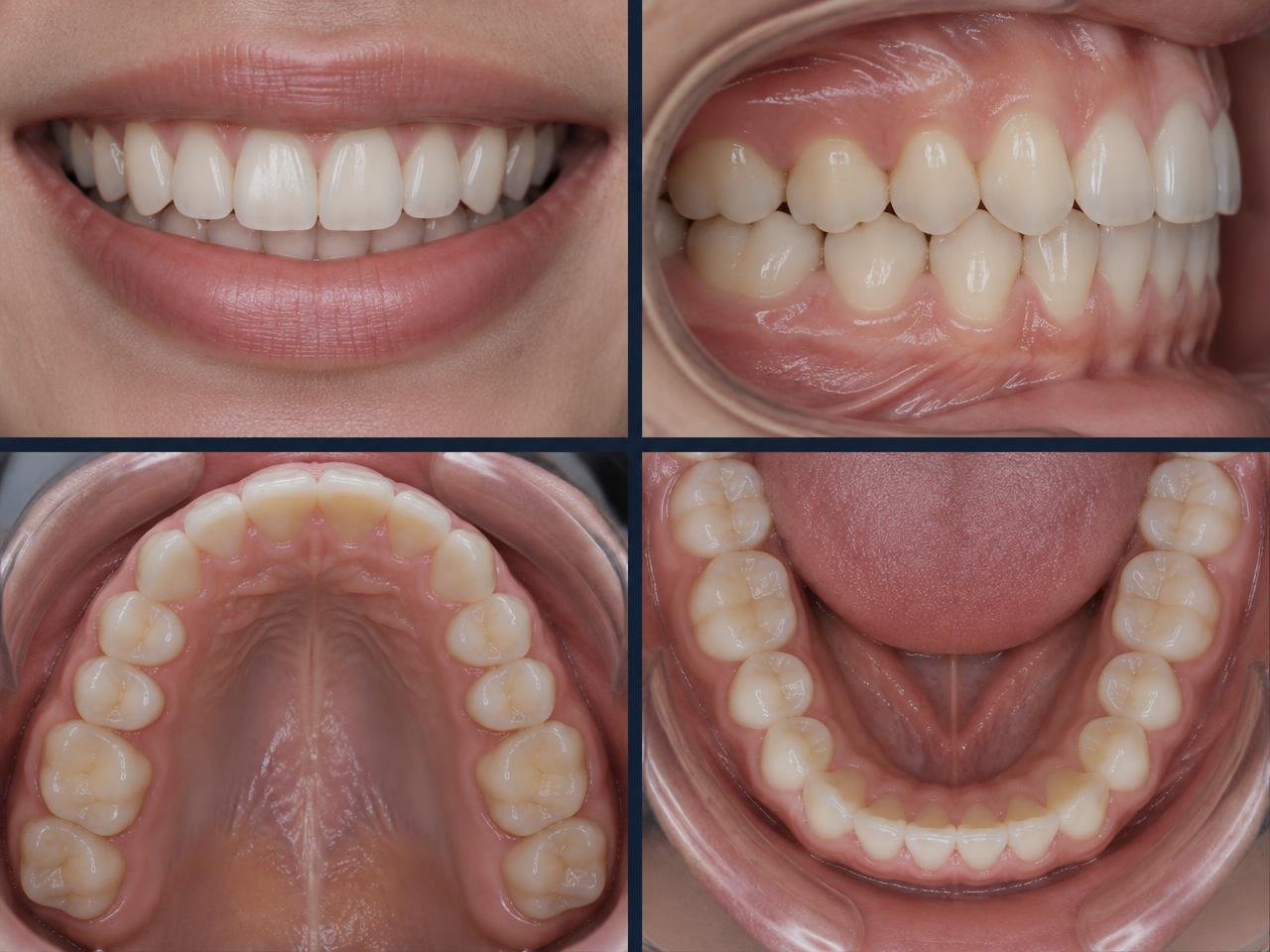
Clinical photo editing
Refine the details that matter.
Work with your clinical photographs as part of the planning process. Edit the images you need to present and review each case with greater clarity.
 Conceptual illustration
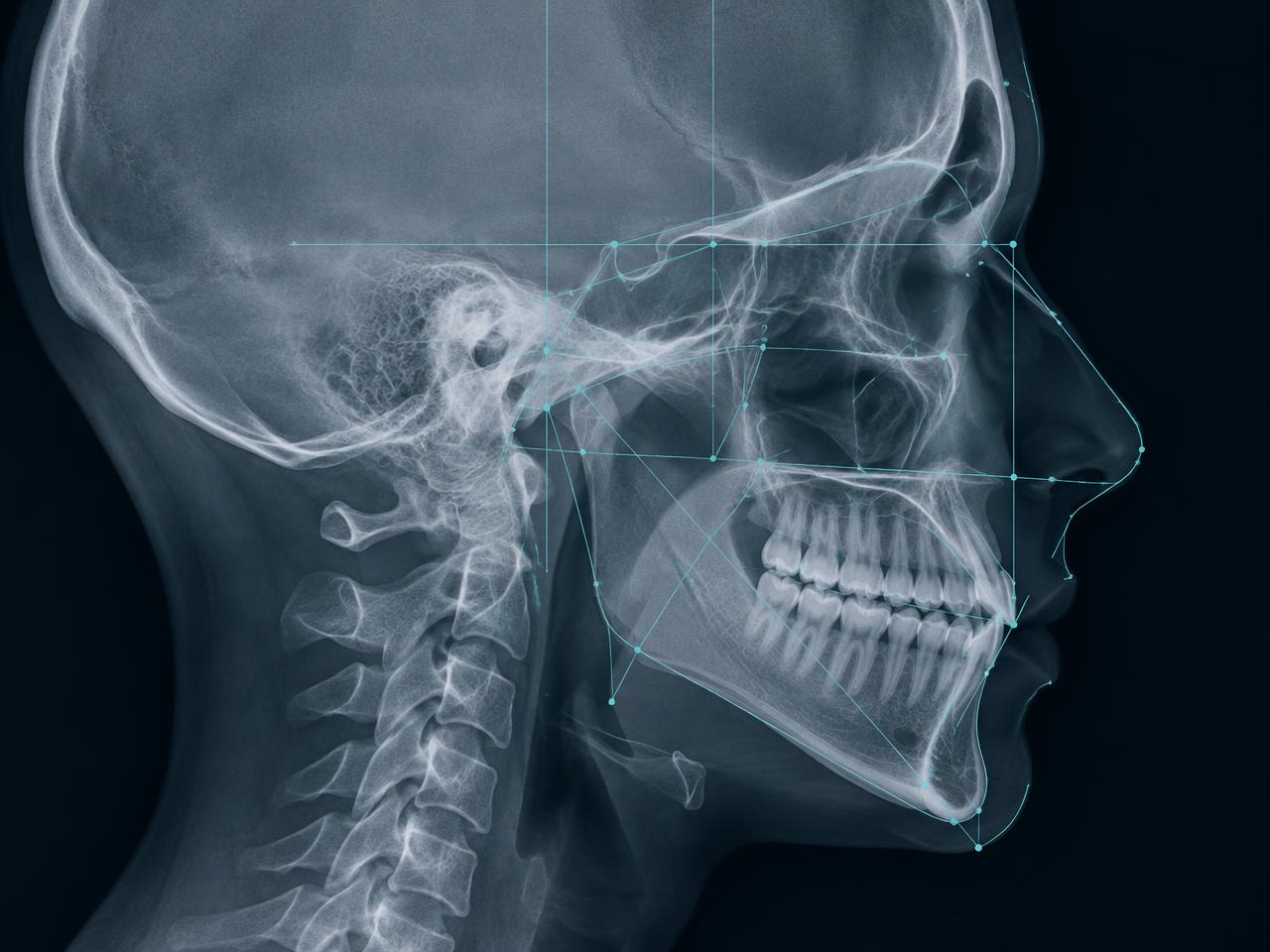
Cephalometry + VTO
From analysis to possibility.
Bring cephalometric analysis and Visual Treatment Objectives into your case planning view, connecting measurements with a clearer picture of the proposed direction.
 Conceptual illustration
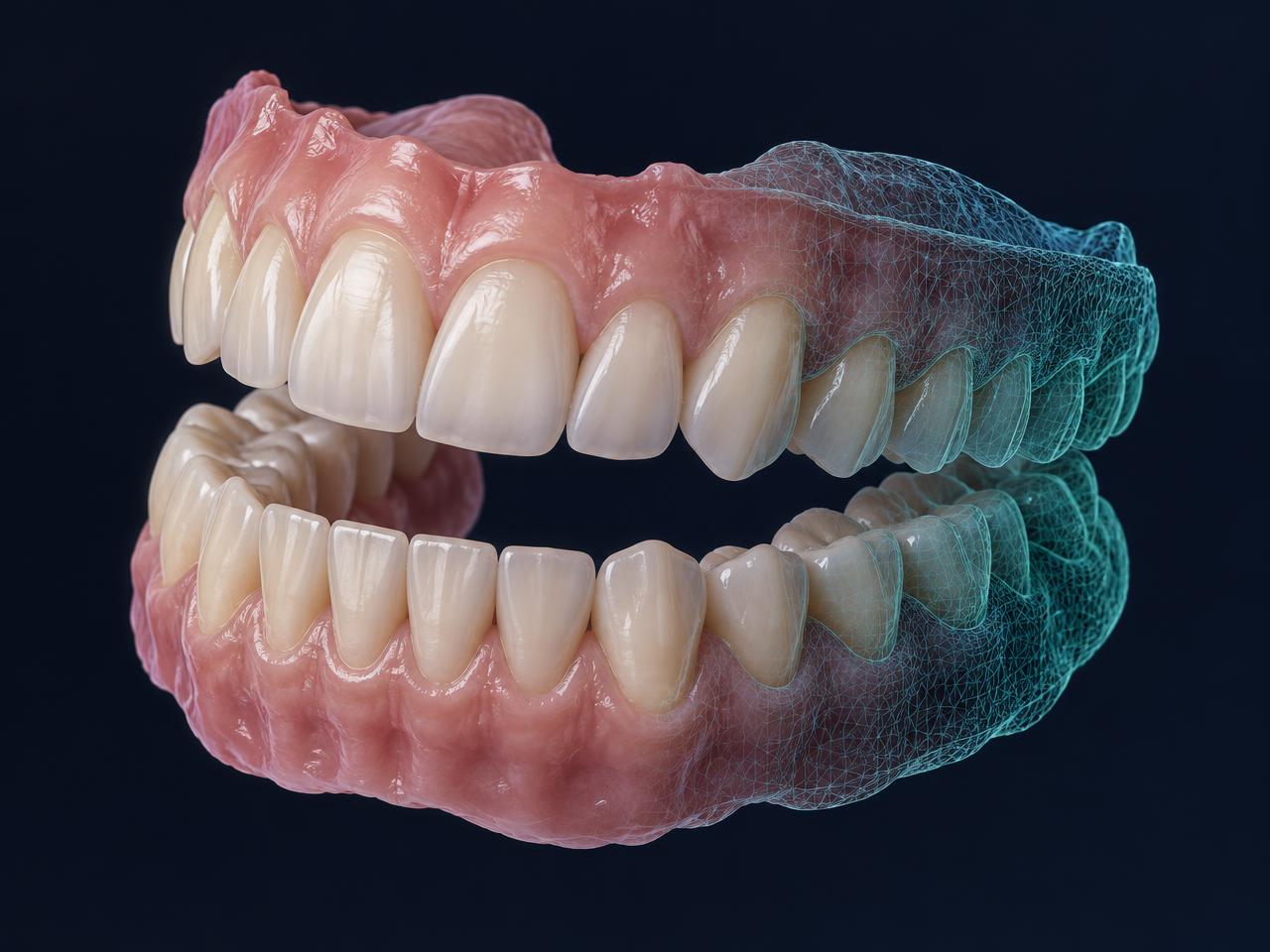
3D STL viewer for intraoral scans
A new perspective on every arch.
Explore STL files from intraoral scans in three dimensions and inspect dental anatomy from a perspective that flat images can’t provide.
 Conceptual illustration
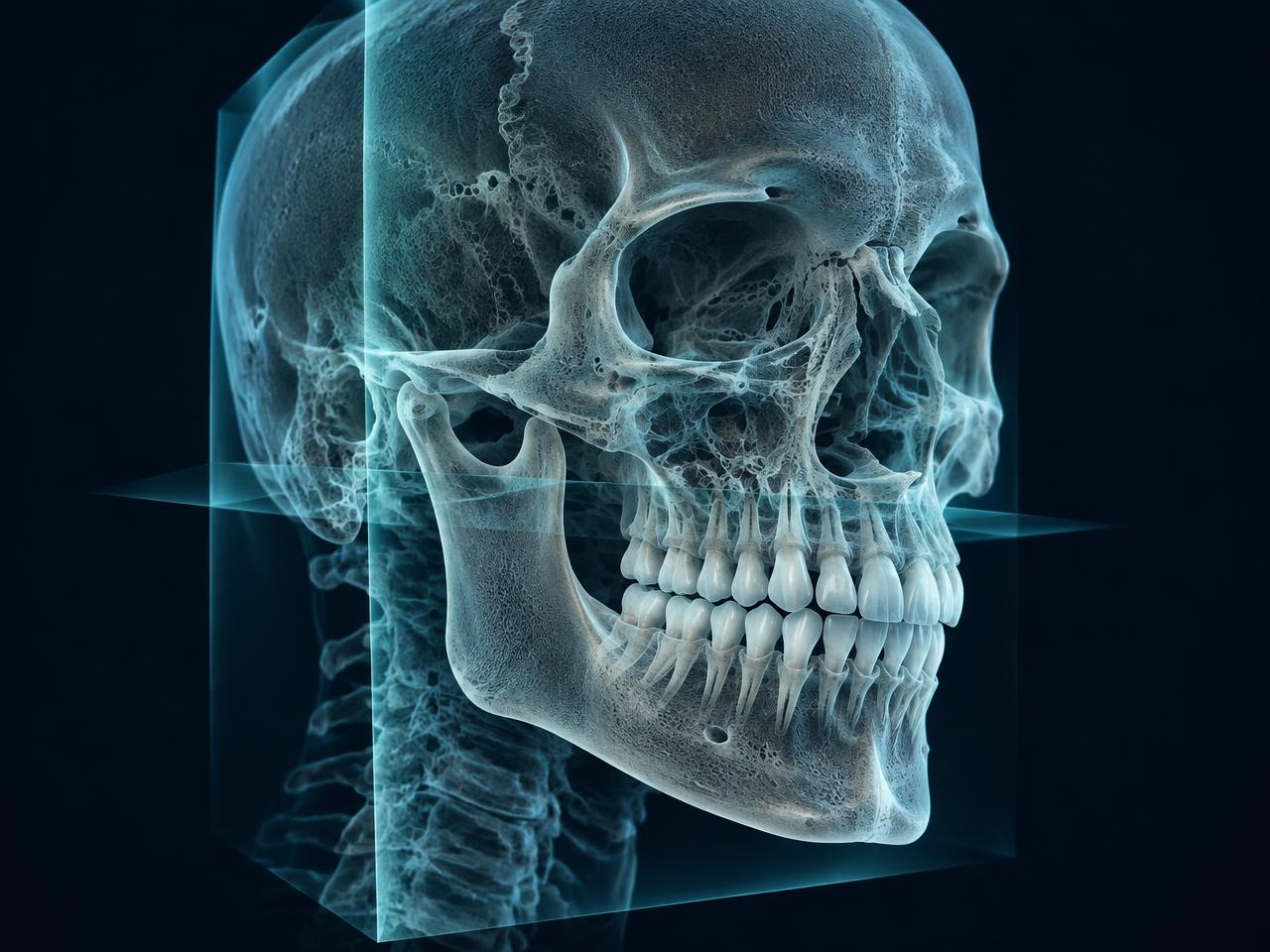
Auto-generated CBCT report
Imaging, made easier to review.
Generate a CBCT report automatically as part of your case-planning workflow, making imaging findings easier to bring into the conversation.
Conceptual illustrationTHE REPORT IN FOCUS
A complete picture, automatically.
A quick look inside a generated CBCT report: panoramic views, cephalogram, TMJ slices, measurements, and airway analysis.
Selected excerpts from an actual generated CBCT report · identifying header removed
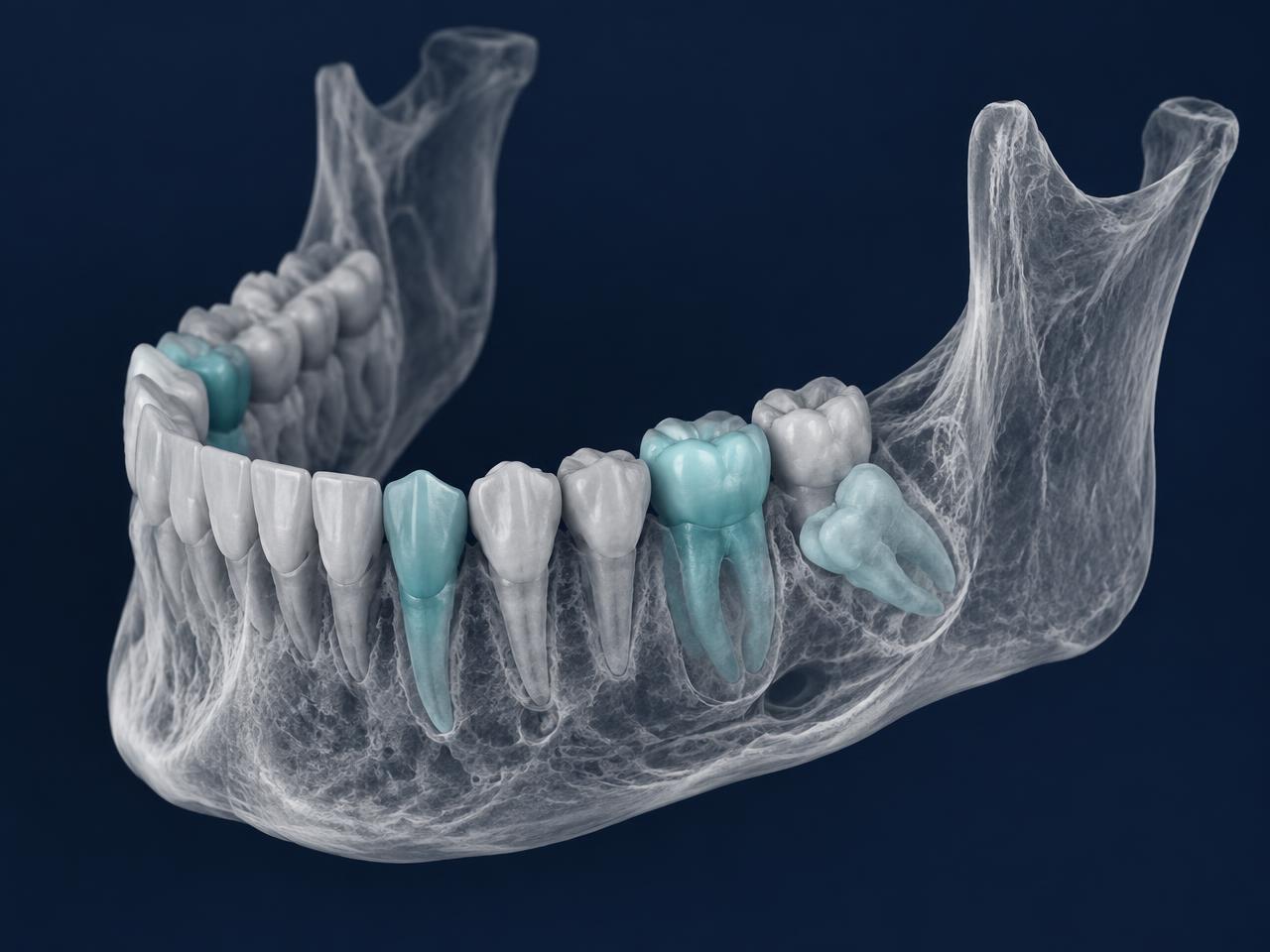
CBCT 3D viewer + segmentation
Look deeper. See more clearly.
Explore CBCT data and segmented structures in 3D. Hide or show individual elements, change their colors to highlight what matters, and adjust the view for a clearer look at each case.
 Conceptual illustration
THE VIEWER IN ACTION
A case from every angle.
Five views from the CBCT 3D viewer, including how to show or hide elements and edit their colors.
NEXO CBCT 3D viewer · actual interface captures · 15 seconds
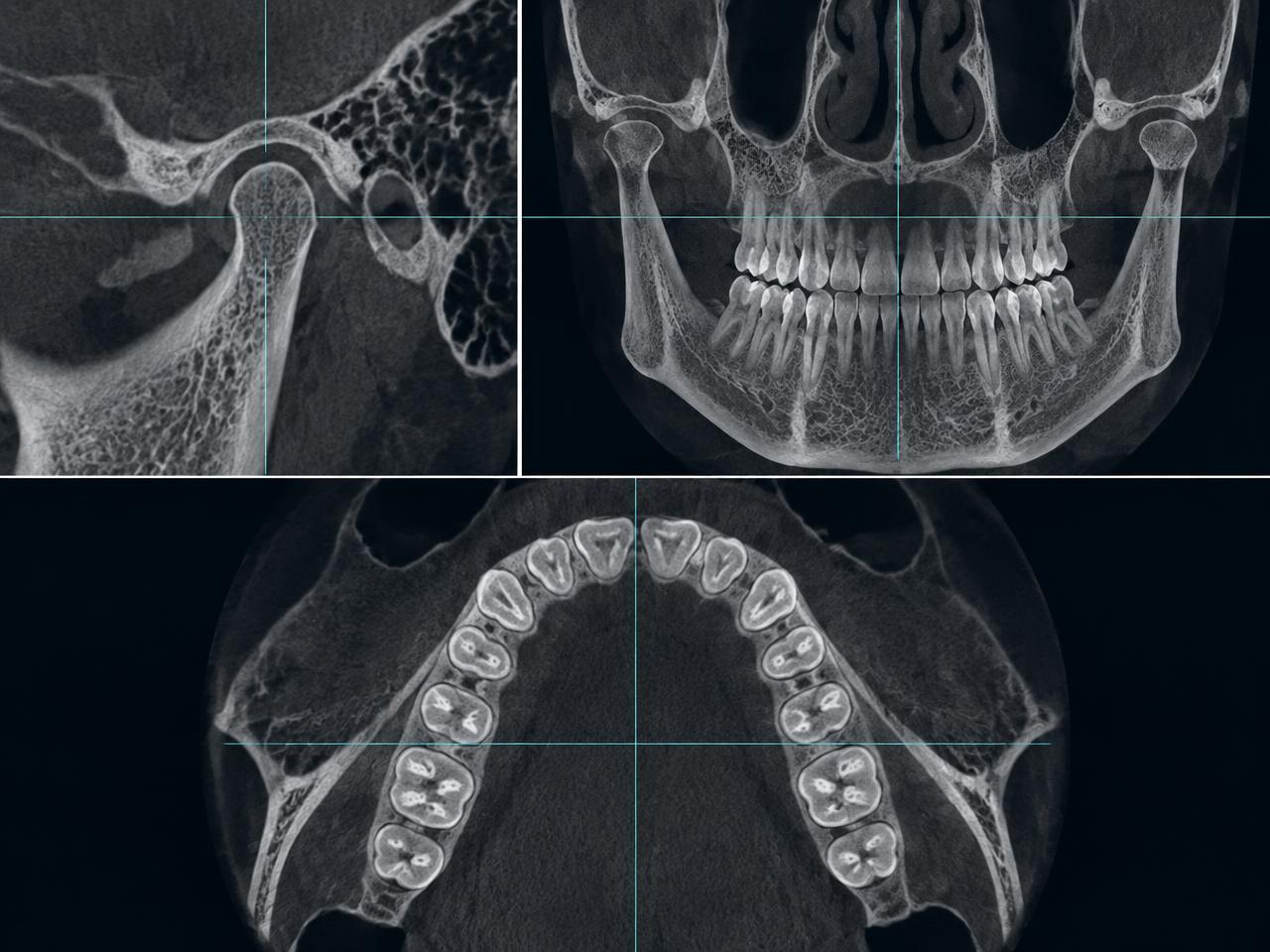
TMJ + occlusion reformats
The right view, ready when you are.
Automatically generate TMJ and occlusion reformats for a more focused look at these important areas of the case.
 Conceptual illustration
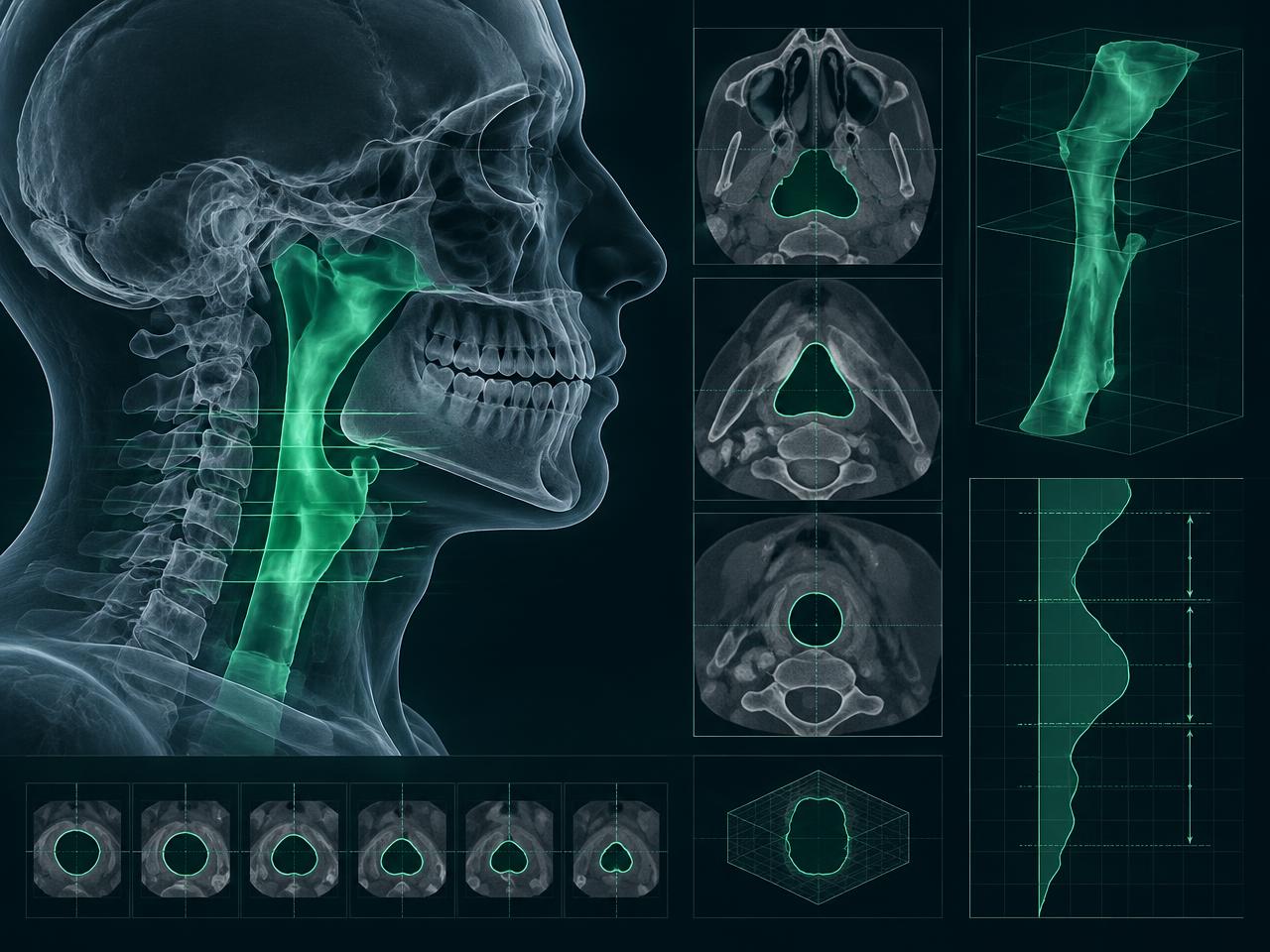
Airway analysis
A clearer picture of the airway.
Analyze the upper airway as part of your case planning, with volumetric views and cross-sections that bring this key structure into focus.
 Conceptual illustration
A MORE COMPLETE VIEW
More insight in every case.
Discover what’s new in NEXO case planning.